In mid-August, I decided to prioritize doing, buying, and supporting things and people and causes I see advertised on street flyers around town over habitually googling “things to do in Portland this week/end” every few days while couchrotting in my living room. Naturally, I’m making a little project of it. Because I love when people share a peek behind the curtain, I’ve decided to document the process here on the blog.

My first idea was to commemorate all of these side quests by publishing a series of blog posts in which I’d share about the doing and buying and supporting of the things and people and causes I see on street flyers, along with a photo of each flyer. The thing is, as always, I want something that I can hold in my hands. The solution: a mini album.
For this project, there are five main decisions to make:
- Album format
- Album size and dimensions
- Cover page and front matter
- Main spread layout and design
- Back cover
So far, I’ve made the first four decisions.
Album format
This was not a difficult decision. In fact, it wasn’t really a decision at all: I went into this project certain I wanted to use one of the acrylic albums I have in my stash. It didn’t even occur to me until I sat down to write this post there are other formats I could use for this project, like making a pocket pages mini album, or having a photo book professionally printed.
The acyclic albums appeal to me for four main reasons:
- I can add to the album over time, unlike with a professionally printed photo book
- they’re forgivable and I can easily remove or replace or otherwise edit or change something I don’t like, unlike with a professionally printed album
- there are minimal supplies involved—even fewer than are needed for a pocket pages album!
- they feel limiting in a way that pocket page albums and professionally printed photo books don’t. Sometimes I need tight boundaries on a project so that I don’t get bogged down in the details, which, on account of the autism, I’m hardwired to do
Album size and dimensions
Of the acrylic albums in my stash, I considered three for this project: a transparent 5×7 album, a frosted purple 4×5.5 album, and a frosted black 3×8 album (the others are too small (they’re this size) and don’t make sense for this project).

The black 3×8 album was my first choice. It always is. I’ve been dying to use it for a project since I bought it several years ago. So far, nothing’s felt right, including this project (the dimensions don’t work well). Sad!
I decided to go with the 5×7 album. While the dimensions of both the 5×7 and 4×5.5 albums work well for what I’m envisioning, the 5×7 album offers more room to work with, which is important to me when it comes to the right-side page of each spread, where I plan to include handwritten journaling to accompany the photo on the facing page (more below). The larger size makes the most sense: I’m wordy, and handwriting takes up more space than does typed text.
Cover page and front matter
I knew I wanted to use a full-page photo for the cover, and I knew exactly which photo I wanted to use. I also knew I wanted at least one spread of front matter, to both set the scene and ease the viewer’s experience into the album.

Right now, I plan to have three spreads of front matter: The first will have a blank page, likely of textured white card stock, on the left and a short write-up about the project on the right. The second will have a full-bleed map of my and adjacent neighborhoods, which is where I see all these flyers. The third will have a blank page on the left and a section title page on the right. I’ve not yet mocked up any of these spreads.
Right now, I plan to section the album by month and year. This could change. Maybe it becomes seasonal. Or annual. Maybe I decide to arrange the album by category (events, products, causes, etc.). Who knows. The ability to change how the album is organized is one of the reasons I chose to use a set of acrylic covers, held together by adjustable binder rings.
Main spread layout and design
I had the most ideas for this section of the album, and the toughest time making a decision.
As is often the case, I wanted each spread to follow a template. I like a cohesive look, and I also like having a set formula to follow. Once the initial decisions are made about the template layout and design, there are few, if any, decisions to make along the way—it’s plug and play.
I brainstormed several possible spread layouts. In each scenario, the left-hand page of the spread includes a photo and the right-hand page is home to journaling that accompanies said photo. Below, I outline my ideas for only the left-hand page layout and design.
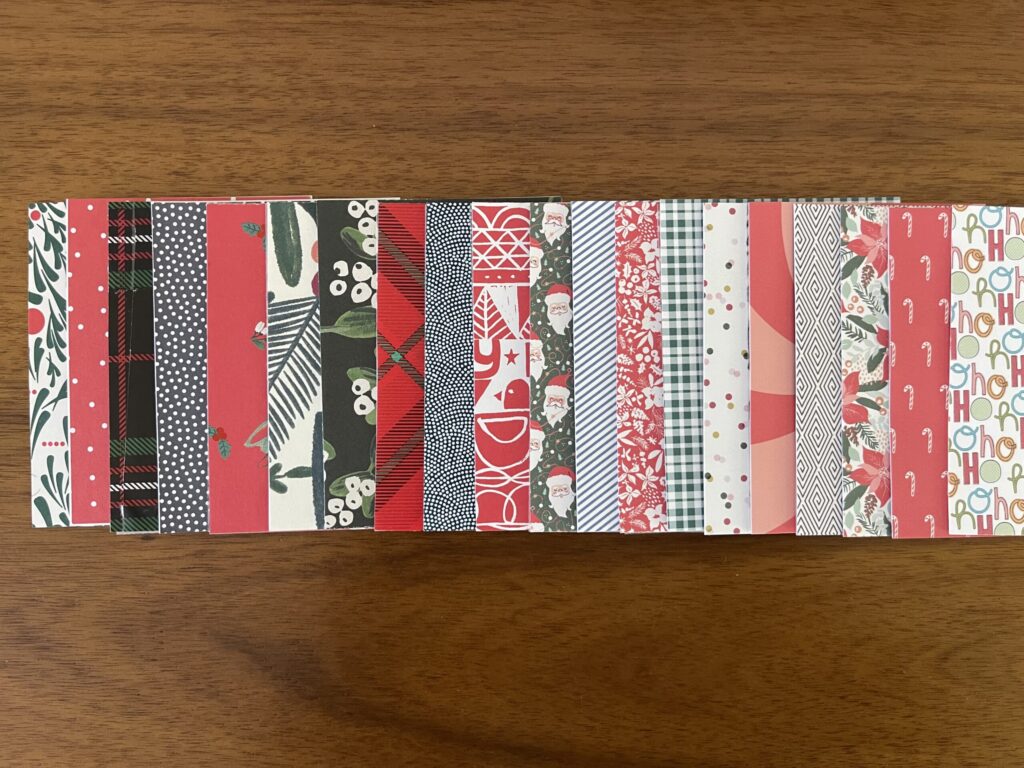
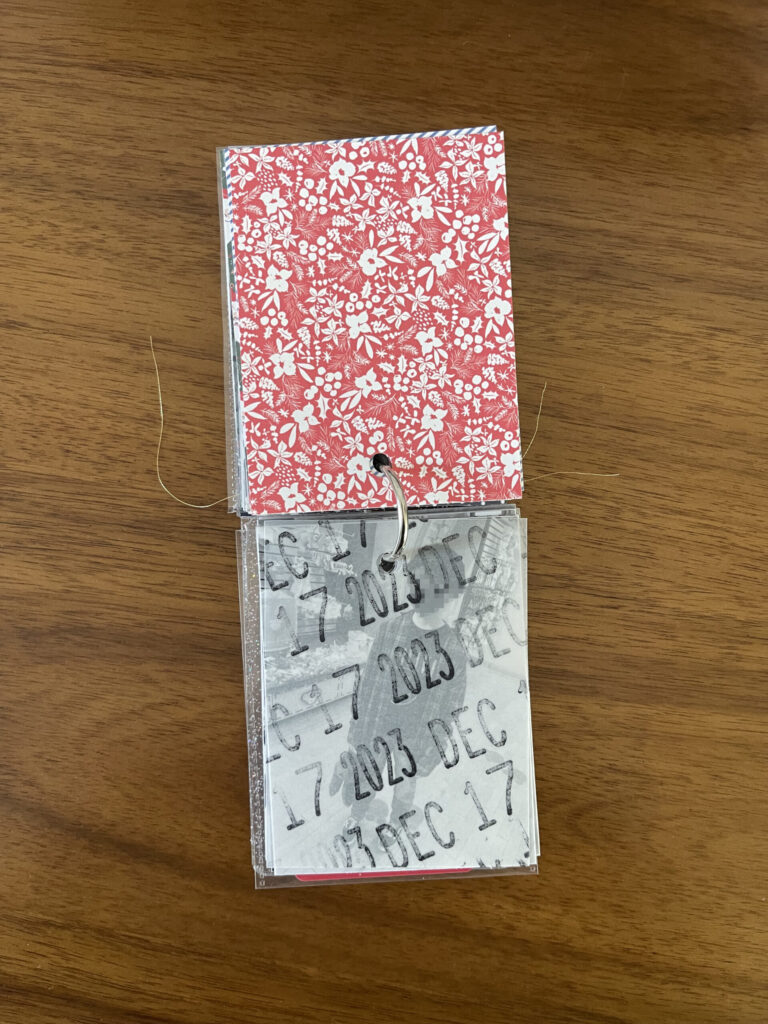
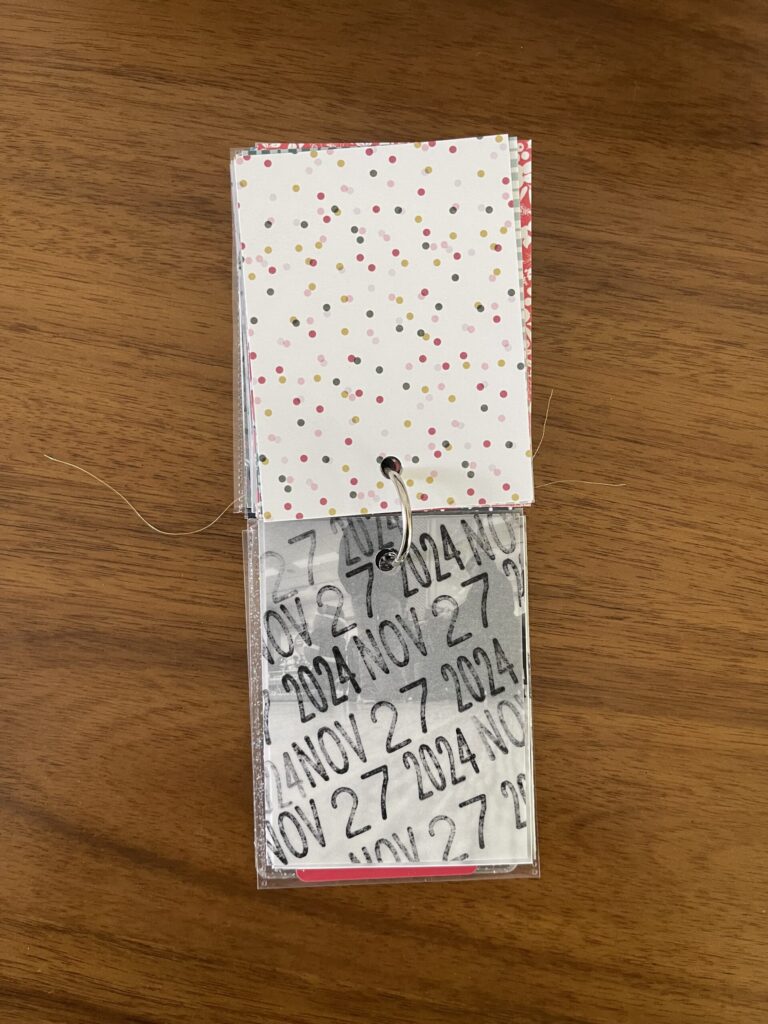
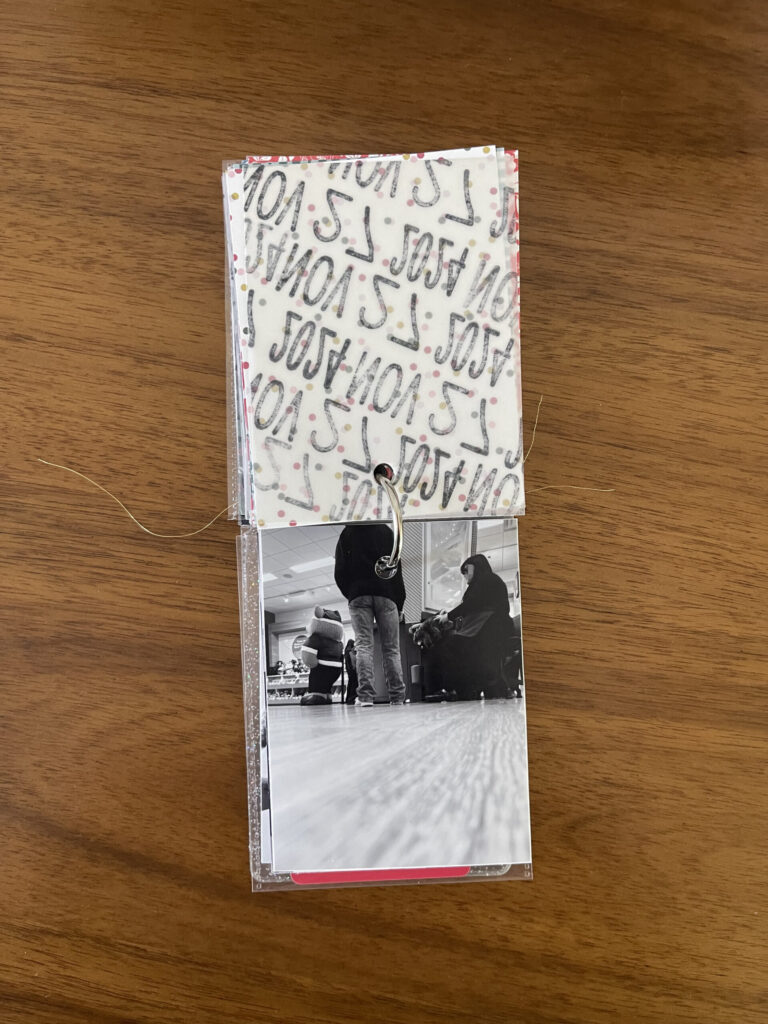
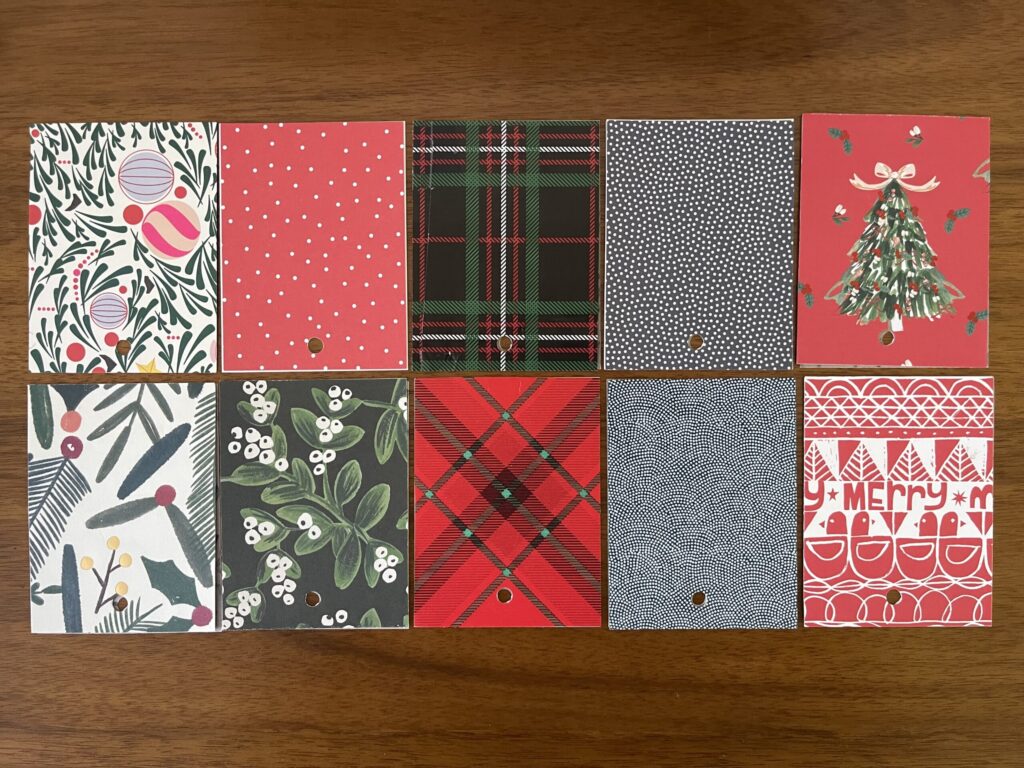
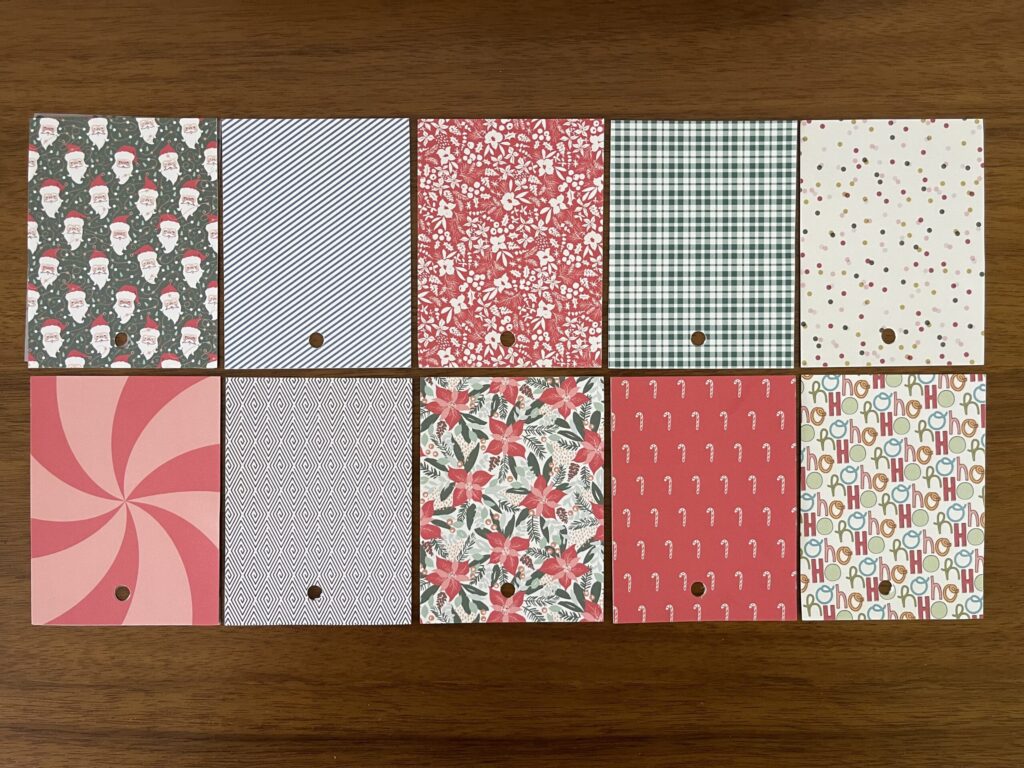
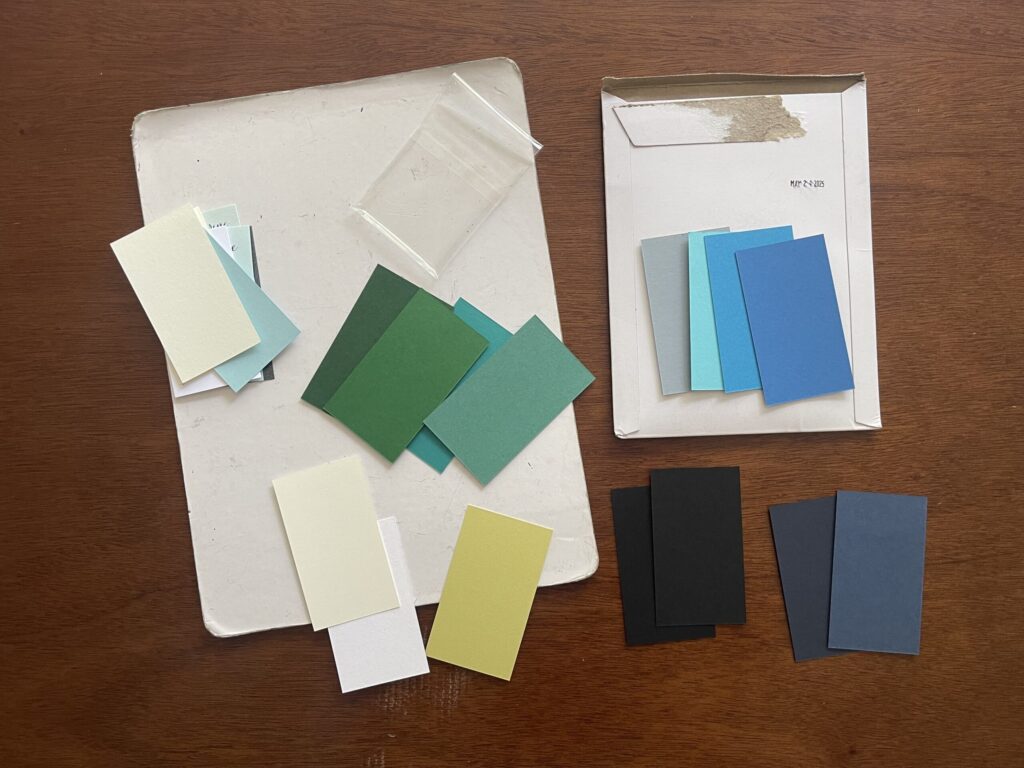
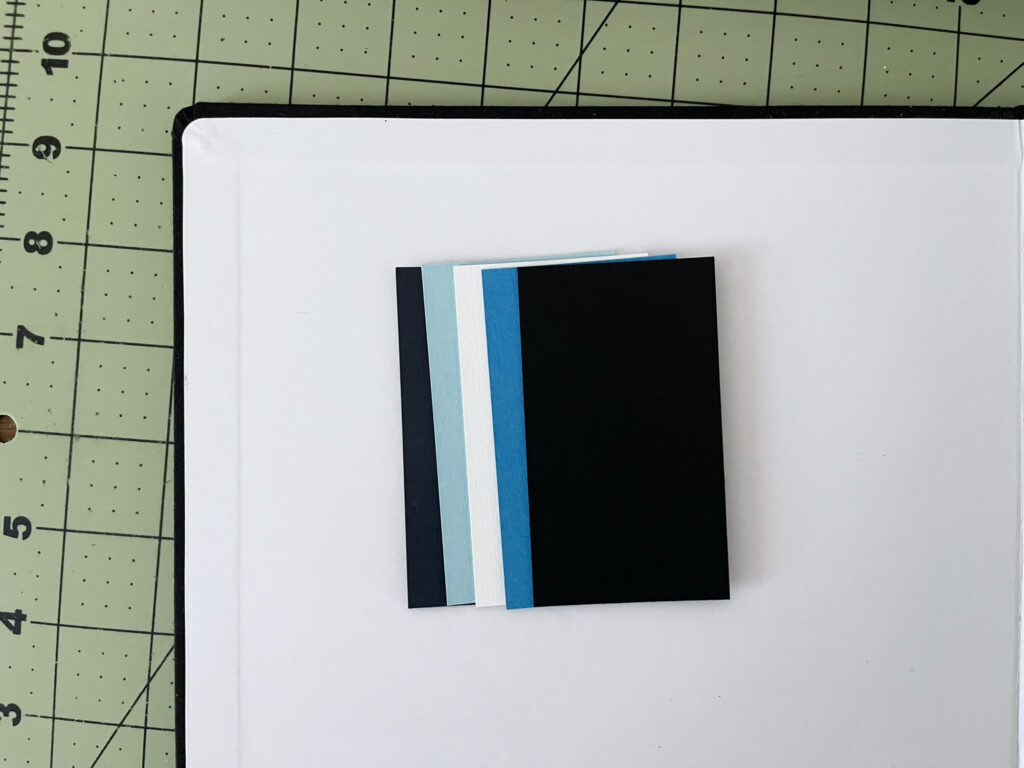
Option 1: A 3×4 photo of the flyer in question in the wild (affixed to a utility pole), centered on a 5×7 sheet of patterned scrapbook paper or solid-colored, textured card stock. I pulled some paper and card stock from my stash that I thought might work well (pictured), and also made some mock-ups in Photoshop Elements using digital scrapbooking papers (not pictured).

Option 2: Same as option 1 above, with the photo centered on a 5×7 photo of scraps of flyers on a utility pole.

Option 3: Same as option 2 above, with a 5×7 sheet of vellum between the 5×7 photo of scraps of flyers on a utility pole and the 3×4 photo of the flyer in question.

Option 4: Same as option 2 above, with a scan or tightly cropped photo of the flyer in question.

Option 5: Same as option 3 above (vellum), with a scan of the flyer in question. I didn’t take any photos of this option.
Option 6: A full-page, 5×7 photo of the flyer in question in the wild (affixed to a utility pole).

Option 6 is the winner. It’s also the last option I thought of, days (days!!) after all the others. It seems so obvious this would be the top contender, I’m still baffled I didn’t think of it sooner.
A note: From the moment the idea for this project popped into my head, I began taking photos of any and every street flyer that advertises something I’m even remotely interested in attending or buying or otherwise supporting. So that I can quickly and easily reference them, I add all of those photos to an album on my phone (“I saw it on a street flyer”). For visual continuity, I take a vertical photo from about the same distance. Sometimes this is challenging because of where flyers are affixed to the poles, or surrounding objects that obstruct access. In these instances, I try to get a wider shot, which I can crop. When I can’t, I take the photo I can get and move on. It doesn’t have to be perfect, and I don’t spend a ton of time framing a shot, only a few seconds at most.
Back cover
I’m not yet sure what I want to do here. If I had to make a decision today, I would go with another full-page photo of a utility pole covered in flyers, just like with the front cover. I don’t have to make a decision today, though, so this is still up for grabs.
* * *
To get an idea for how the ideas in my head will translate onto the page, I printed out some of the photos I plan to use on the card stock and photo paper I use in my Project Life albums. In keeping with tradition, I’ll have the photos I end up using in the album printed by Persnickety Prints, which means the color will be more vibrant and the pages will be studier.
The grid paper is from one of my Mnemosyne notebooks. For these mock-ups, I removed a sheet from one of my A5 grid notebooks and trimmed it to size. The grid is printed on only one side and the paper is buttery soft. For the project, I plan to use sheets from my A4 grid notebook, which will give me two 5×7 pages per sheet.
To round the corners of my pages so that they match the acrylic album covers, I used this corner rounder punch (the 4mm option).

My next steps are to order my first set of photos from Persnickety, gather supplies for and create the front matter, and begin the journaling that will accompany each flyer photo. I’ll be back with an update when I’ve completed at least two of those three tasks.